
Steps to create discount excluding SureBright Products
Create a Smart Collection
Name: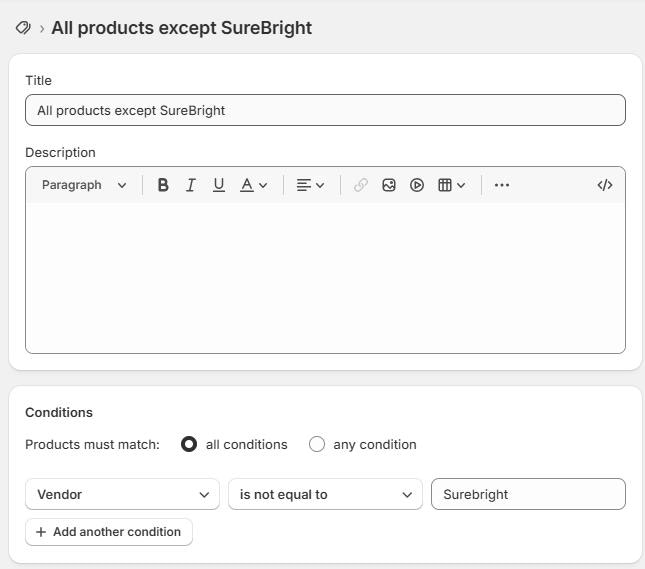
- Example: All products except Surebright
- Product vendor → is not equal to → Surebright
Create the Discount
Path: Shopify Admin → Discounts → Create discount → Amount off products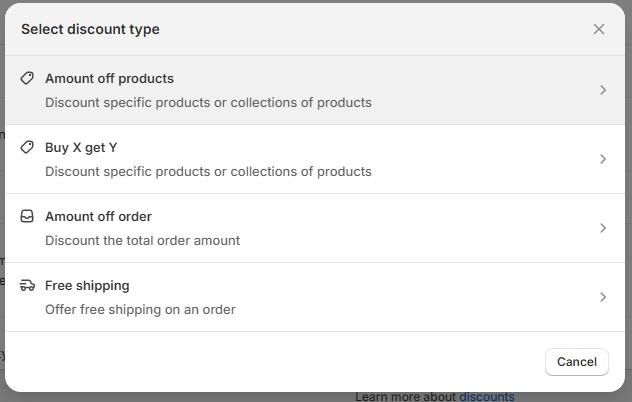
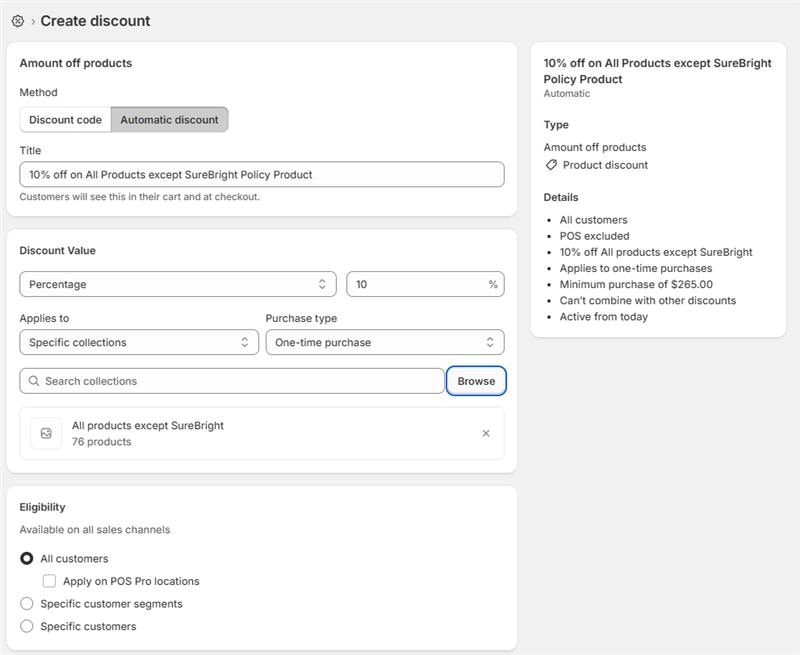
- Search for the collection (All products except Surebright) you named excluding Surebright Products